
How to Eliminate Manual DA Data Entry: A Council IT Manager's Guide
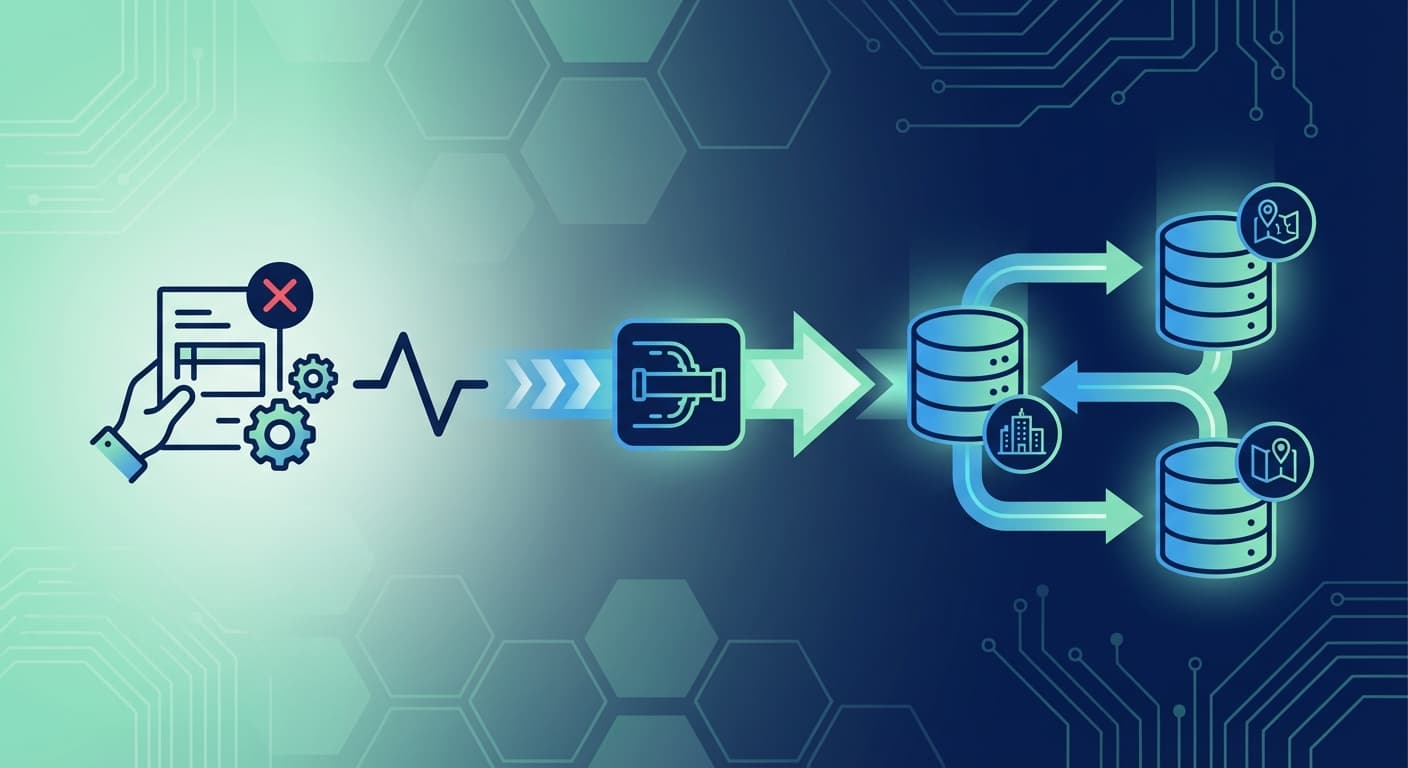
Manual data entry remains one of the most significant inefficiencies in council planning departments. When applications arrive through the NSW Planning Portal, staff often spend hours re-keying information into internal ERP systems. This guide provides practical strategies to eliminate this bottleneck.
The True Cost of Manual Data Entry
Before implementing automation, it's worth quantifying the current impact of manual processes on your council.
Time Investment
For a typical DA, manual data entry involves:
- Applicant details: 5-10 minutes per application
- Property information: 3-5 minutes to verify and enter
- Application specifics: 10-15 minutes for submission details
- Document handling: 15-30 minutes to download, rename, and file
For a council processing 800 DAs annually, this represents approximately 800-1,200 hours of staff time—equivalent to half a full-time position dedicated solely to data entry.
Error Rates and Rework
Manual data entry typically produces error rates of 1-3%. While this seems small, consider the downstream impact:
- Incorrect property identifiers require investigation and correction
- Applicant contact errors delay communication
- Document misfiling creates compliance risks
- Errors compound through workflow stages
Correcting a single error can take 30 minutes to several hours, depending on when it's discovered.
Staff Satisfaction
Repetitive data entry is among the least satisfying aspects of planning work. Staff trained in planning assessment spend significant time on administrative tasks that add little value to their professional development.
Automation Opportunities
Several approaches can reduce or eliminate manual data entry, ranging from simple improvements to comprehensive integration.
Level 1: Optimised Manual Processes
Even without system integration, you can reduce data entry burden:
- Standardised templates: Create ERP import templates that match Portal export formats
- Batch processing: Process applications in groups rather than individually
- Copy-paste workflows: Establish efficient procedures for transferring data
These improvements typically reduce processing time by 20-30% but still require manual intervention for each application.
Level 2: Semi-Automated Transfer
Introduce automation tools that assist with data transfer:
- Export/import utilities: Tools that extract Portal data and format it for ERP import
- Document automation: Scripts that organise and rename documents automatically
- Validation checks: Automated verification of transferred data
Semi-automated approaches can achieve 50-60% time savings while maintaining staff oversight of the process.
Level 3: Full Integration
Complete system integration eliminates manual data entry entirely:
- Real-time synchronisation: Data flows automatically from Portal to ERP
- Bi-directional updates: Status changes reflect in both systems
- Document automation: Files transfer and organise without intervention
- Exception handling: Only anomalies require staff attention
Full integration typically achieves 90%+ reduction in manual data entry time.
Building the Business Case
Securing investment in integration requires demonstrating clear return on investment.
Quantifying Current Costs
Calculate your council's specific data entry costs:
Annual applications × Hours per application × Staff hourly cost = Annual cost
For example:
- 800 applications per year
- 1.5 hours average processing time
- $45 per hour (including on-costs)
- Annual cost: $54,000
Projected Savings
With full integration achieving 90% time reduction:
$54,000 × 0.90 = $48,600 annual savings
Additional benefits include:
- Error reduction: Fewer corrections and rework
- Faster processing: Improved applicant experience
- Staff reallocation: Time available for higher-value activities
- Compliance improvement: Consistent data handling
Payback Period
Compare projected savings against integration costs to determine payback period. Most councils achieve payback within 12-18 months through a managed integration platform.
Implementation Approaches
In-House Development
Building integration capabilities internally offers maximum customisation but requires:
- Developer resources with API experience
- Ongoing maintenance capacity
- Security and compliance expertise
- Testing and quality assurance processes
Best suited for: Large councils with established IT development teams.
Point Solution Integration
Commercial products that connect specific systems:
- Purpose-built for particular ERP platforms
- Vendor-managed updates and maintenance
- Limited flexibility for custom requirements
Best suited for: Councils with standard ERP configurations and straightforward requirements.
Managed Integration Platform
Comprehensive solutions that handle all aspects of Portal connectivity:
- Pre-built connectors for major ERPs
- Hosted infrastructure with managed updates
- Expert support for configuration and troubleshooting
- Flexibility to accommodate custom workflows
Best suited for: Councils wanting rapid implementation with minimal internal technical overhead.
Data Mapping Essentials
Successful integration requires careful attention to data mapping between systems.
Core Data Elements
Ensure accurate mapping for:
| Portal Field | ERP Equivalent | Considerations |
|---|---|---|
| Application ID | Reference number | May need prefix/format conversion |
| Property address | Property identifier | Address parsing and matching required |
| Applicant details | Contact records | Handle individual vs. company applications |
| Submission date | Lodgement date | Timezone handling |
| Application type | Work type/category | Category mapping required |
Document Handling
Documents require specific attention:
- Naming conventions: Establish consistent naming rules
- Type classification: Map Portal document types to your categories
- Version control: Handle document updates and superseded versions
- Storage location: Determine where documents should reside
Status Synchronisation
Align workflow statuses between systems:
- Map Portal statuses to internal workflow stages
- Define which status changes trigger synchronisation
- Handle status conflicts and edge cases
Change Management
Technical implementation is only part of the equation. Staff adoption determines ultimate success.
Communicate Benefits
Help staff understand how automation improves their work:
- Less repetitive data entry
- Reduced error correction
- More time for assessment work
- Better information availability
Provide Training
Ensure staff are comfortable with new processes:
- How to review automatically transferred data
- Exception handling procedures
- Troubleshooting common issues
- Who to contact for support
Gather Feedback
Establish channels for staff to report issues and suggest improvements:
- Regular check-ins during initial implementation
- Clear escalation paths for problems
- Process for incorporating feedback
Measuring Success
Track key metrics to demonstrate integration value:
Efficiency Metrics
- Processing time per application (before vs. after)
- Manual data entry hours (weekly/monthly)
- Applications processed per staff hour
Quality Metrics
- Data entry error rates
- Rework incidents
- Customer service enquiries
Staff Metrics
- Time spent on assessment vs. administration
- Staff satisfaction with processes
- Training completion and competency
Getting Started
Begin your automation journey with these steps:
- Audit current processes: Document existing data entry workflows and time investment
- Calculate costs: Quantify the current burden in dollars and hours
- Define requirements: Identify specific data elements and workflows to automate
- Evaluate options: Assess in-house, point solution, and managed platform approaches
- Build business case: Present findings and recommendations to stakeholders
- Plan implementation: Develop timeline and resource requirements
- Execute pilot: Start with limited scope to validate approach
- Scale and optimise: Expand based on pilot learnings
The path to eliminating manual data entry is clear. With the right approach, your council can reclaim hundreds of hours annually while improving data quality and staff satisfaction.

ePlanning.io Team
Expert insights on government integration, ERP connectivity, and digital transformation for Australian councils.
Learn more about our teamTags: